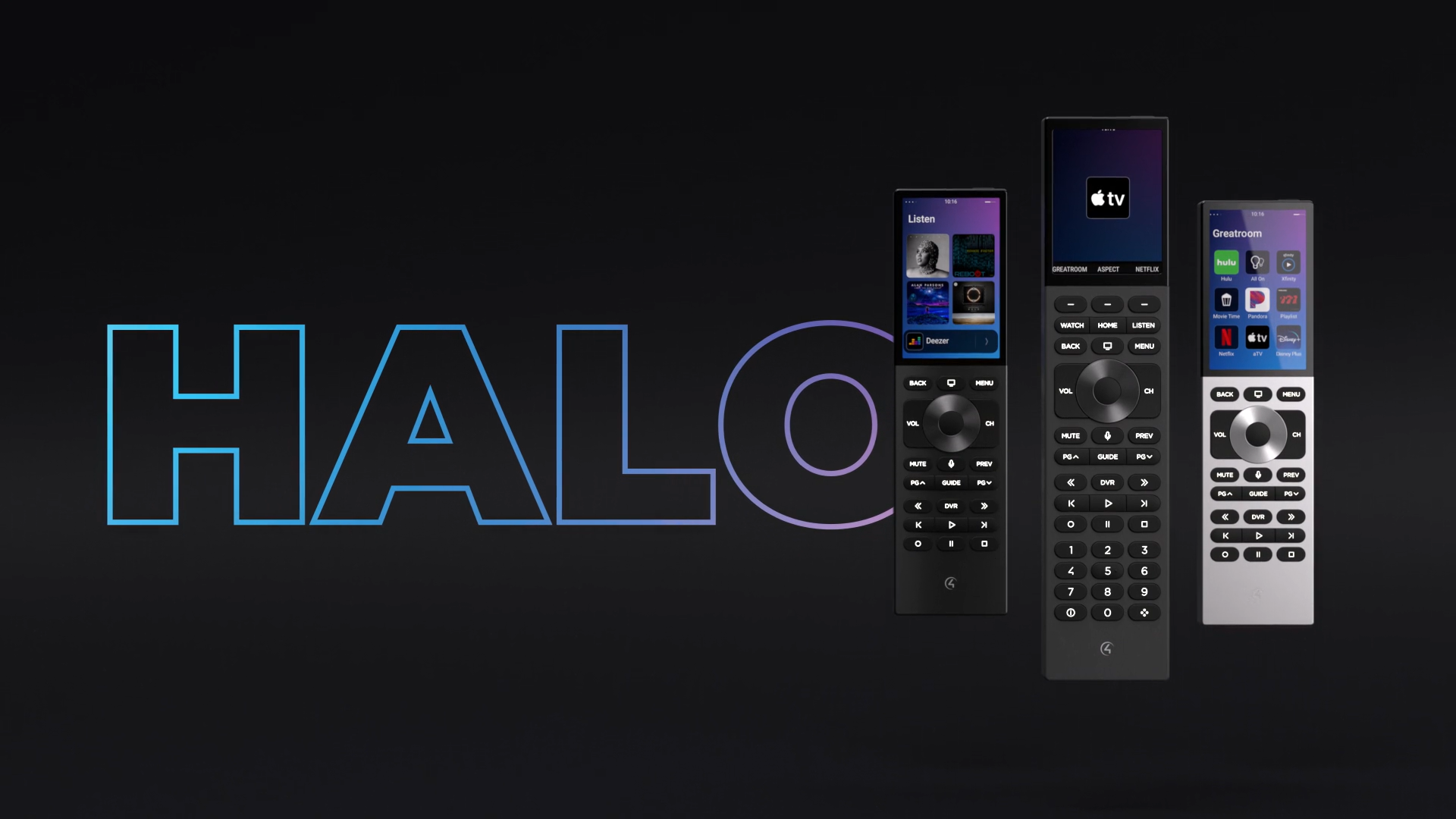

Smart home design, installation and support you can rely on. We make technology simple, seamless, and built around your lifestyle.
© 2026 Tech Butler. All rights reserved.
.png)
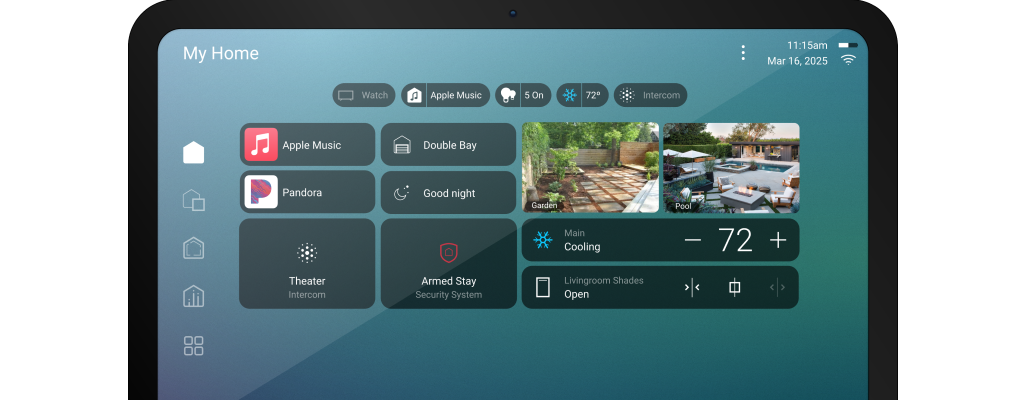
Find out what is required to upgrade to X4
.png)
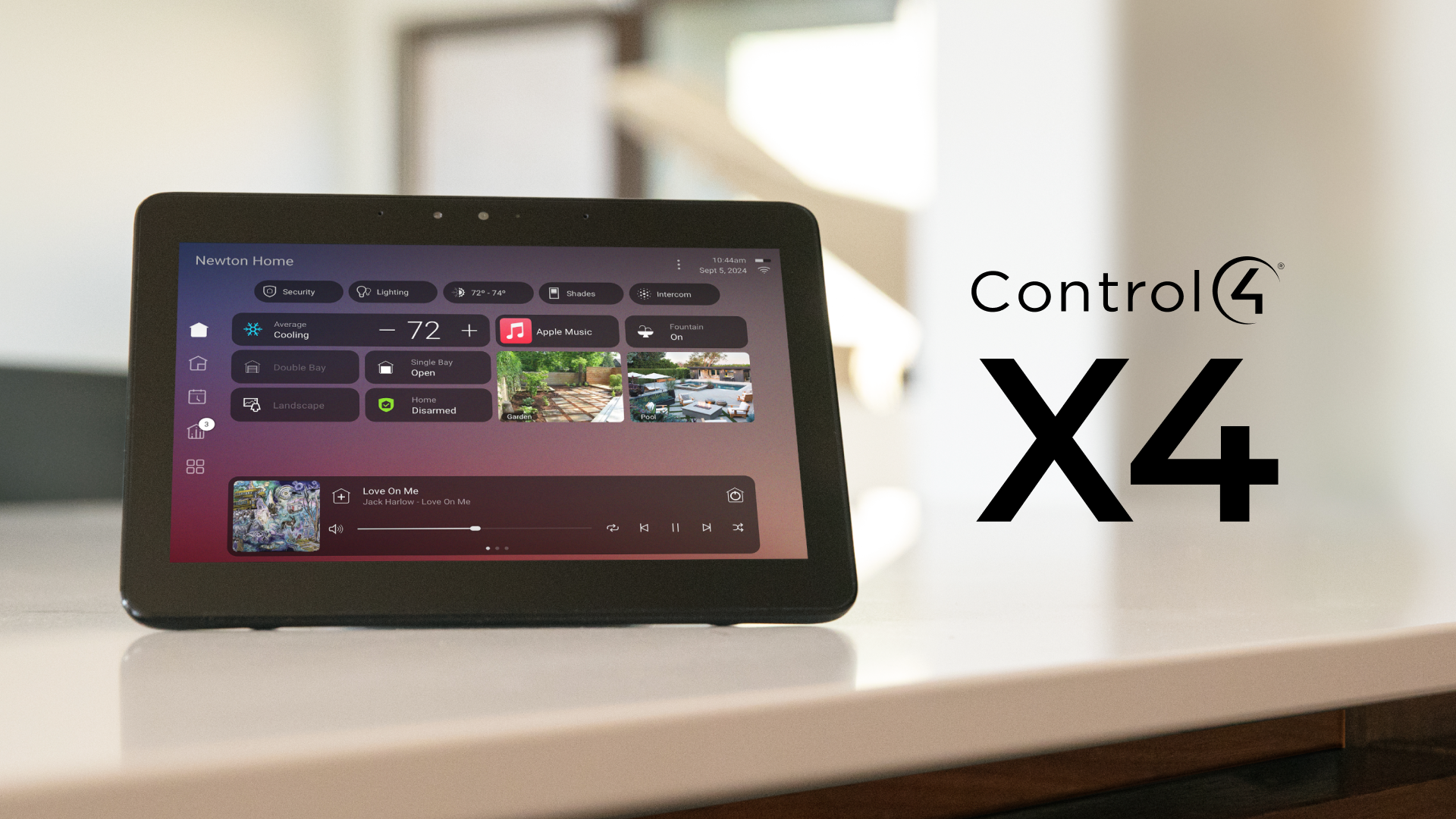
Upgrading to Control4 X4 delivers a faster interface, improved personalization, and a more modern smart home experience. Learn what homeowners should know before moving from OS3 to X4.
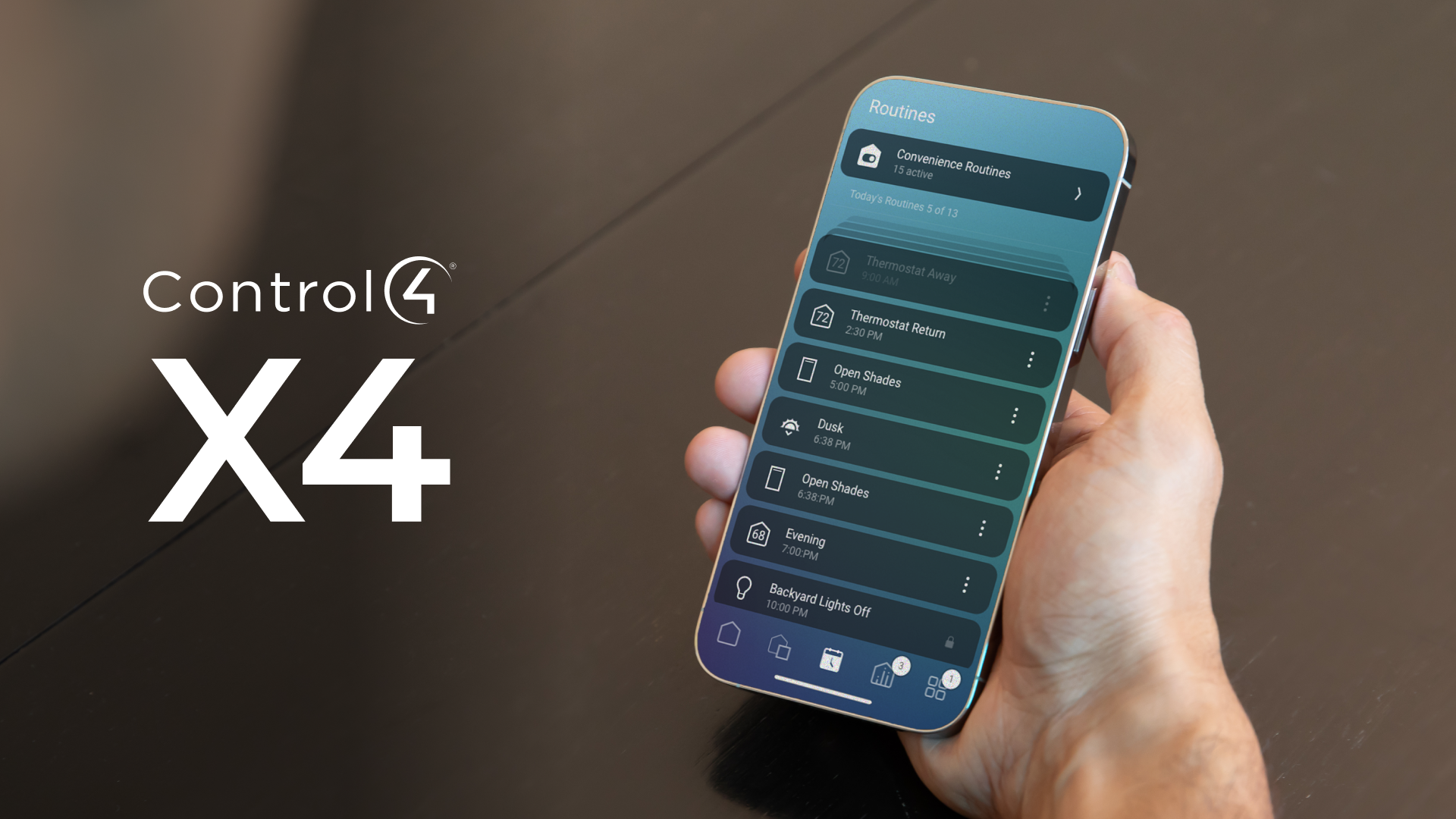
Control4 X4 introduces a cleaner interface, faster navigation, and improved personalization. Explore the biggest app changes homeowners can expect when upgrading from OS3 to X4.
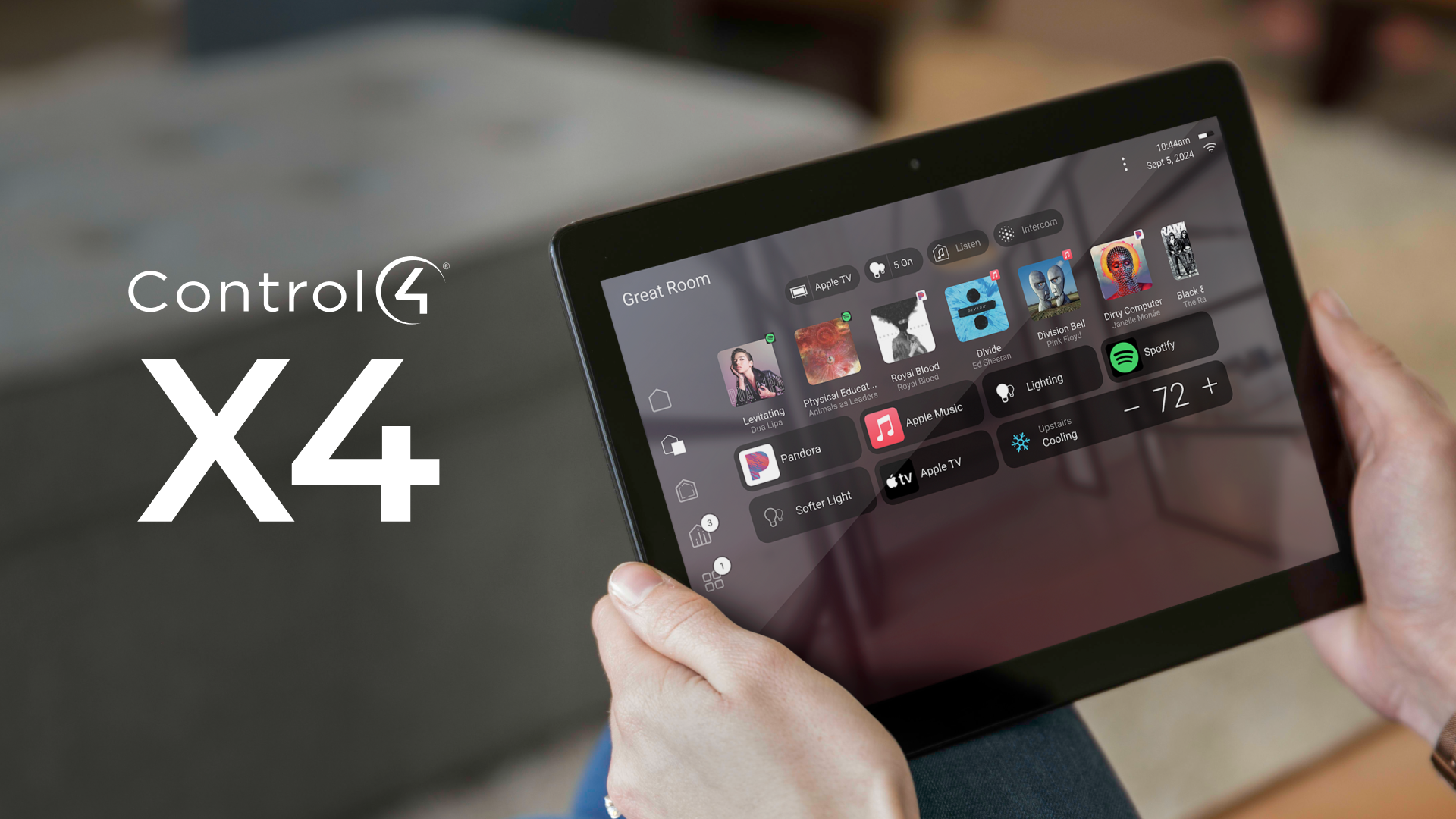
Should you update your Control4 system? Learn the benefits, risks, and compatibility considerations homeowners should know before upgrading.
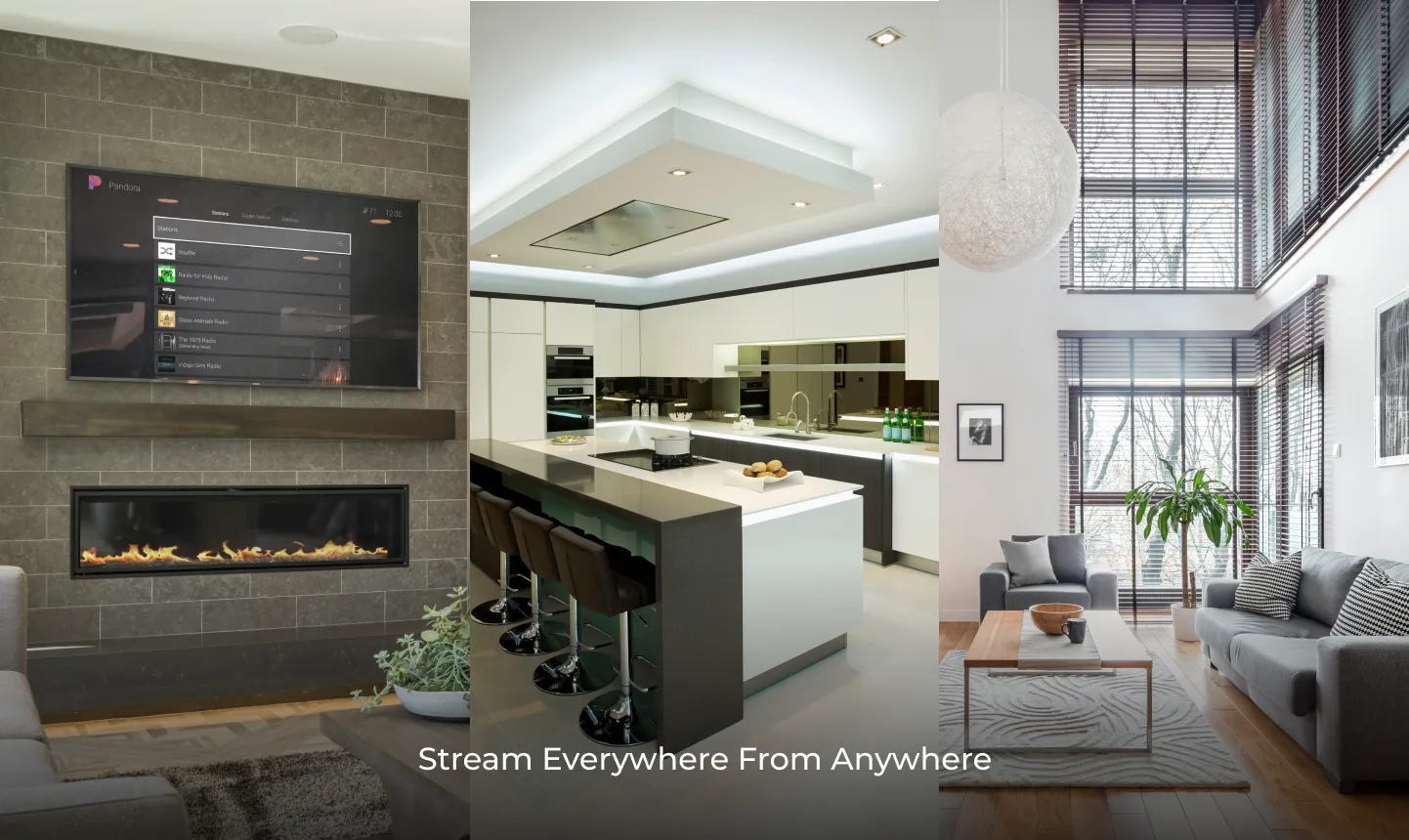
Explore how Control4 whole-home audio delivers seamless music throughout your home with centralized smart control and multiroom listening.
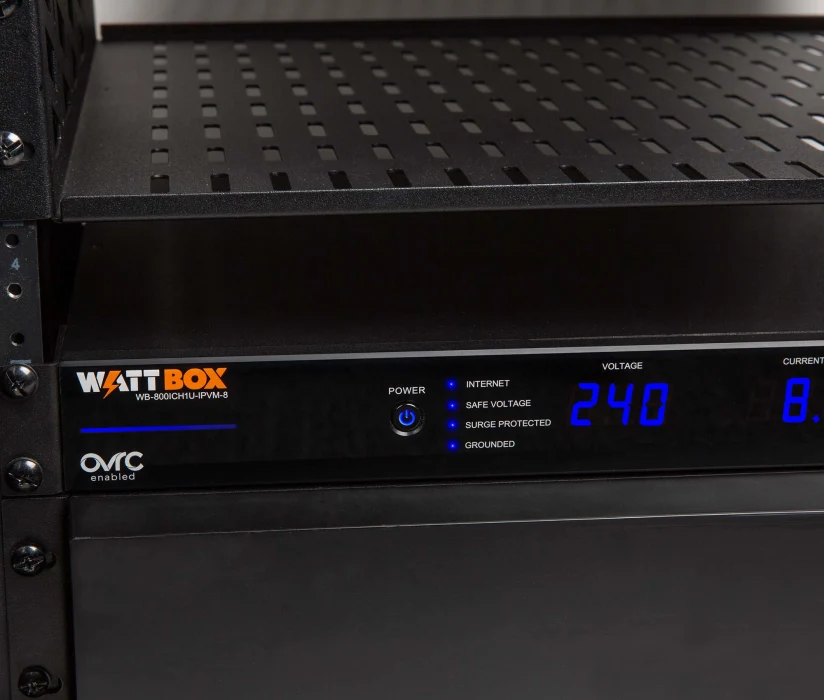
Guide to show you how to manually reboot devices on the Wattbox PDU
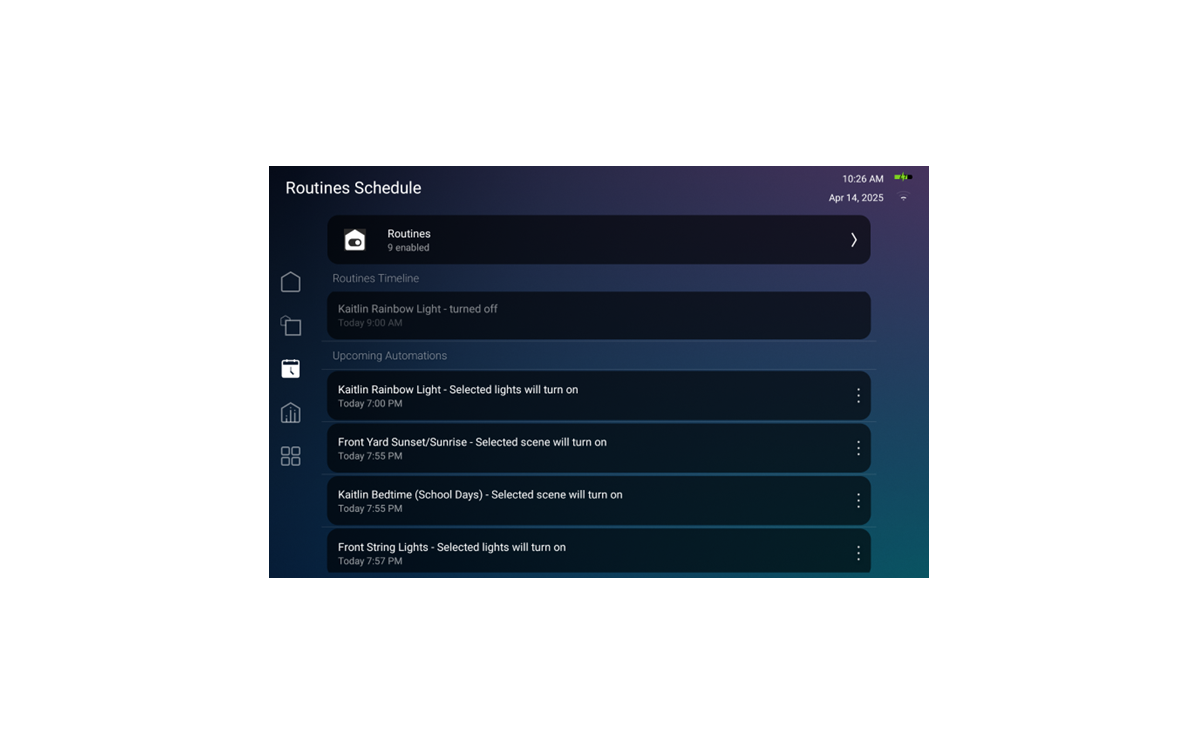
An introduction to routines in Control4 X4
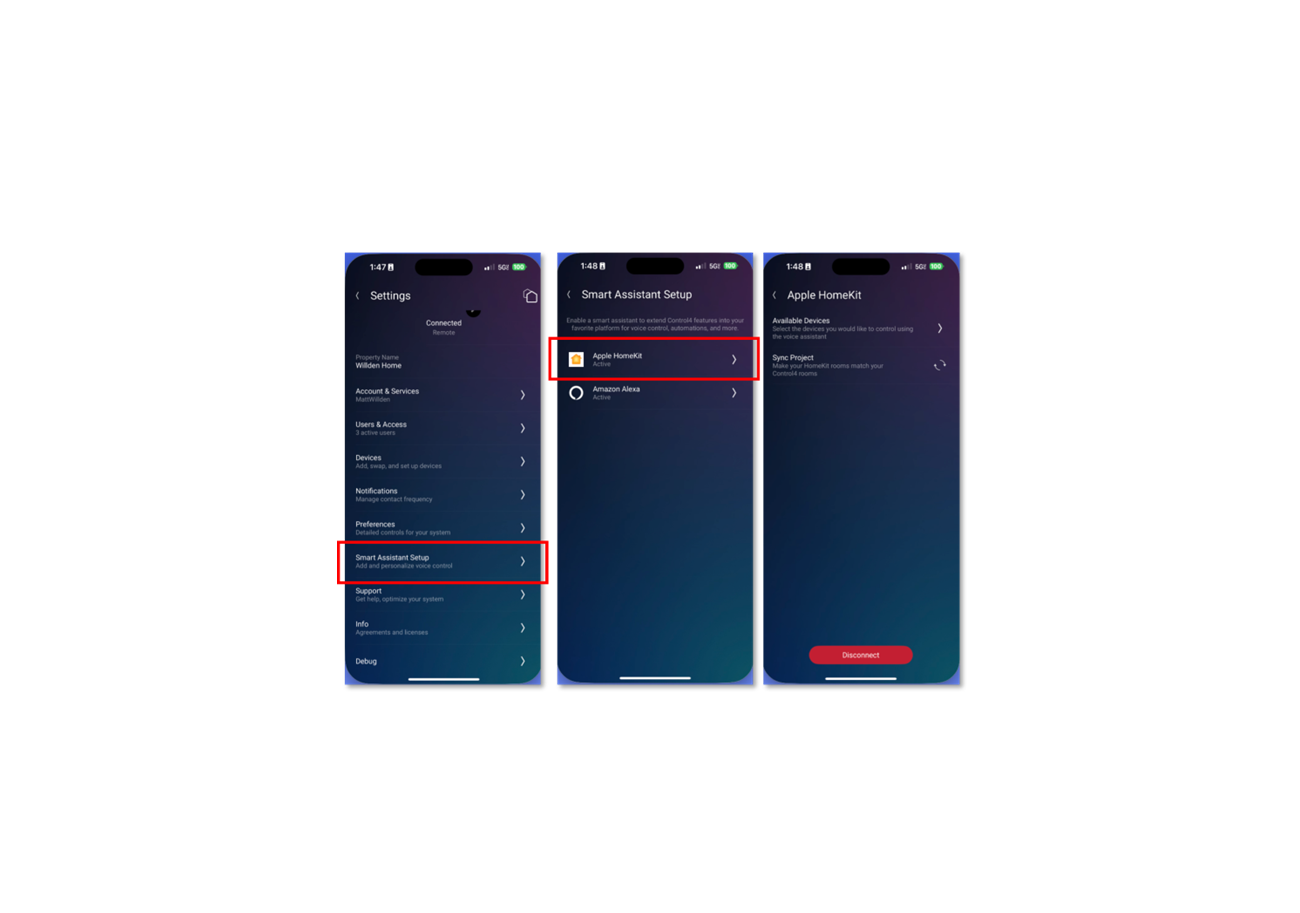
Requirements to use Voice Commands in X4
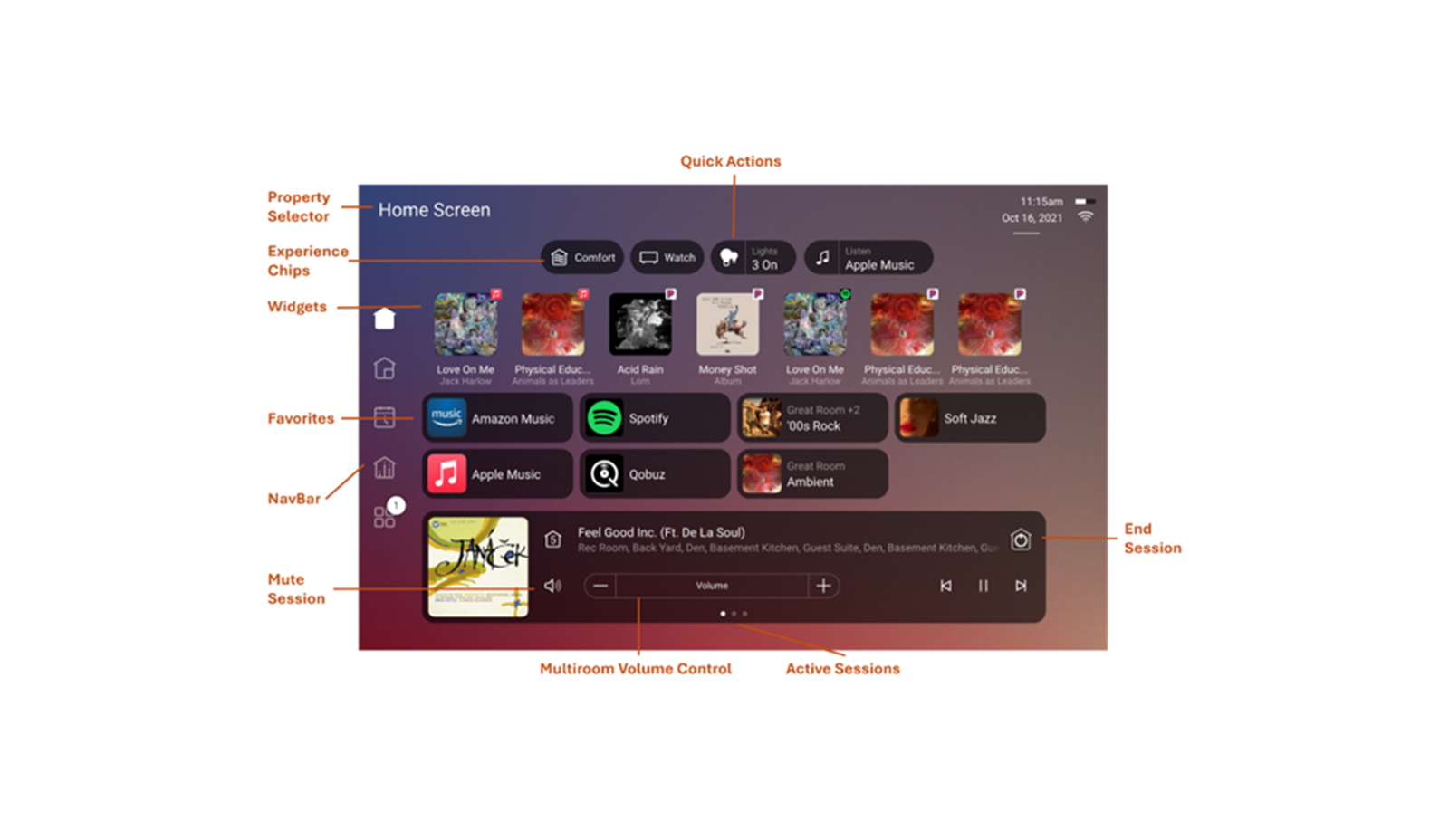
Introduction to the X4 Home Screen
Access the Knowledge hub on the Control4 App

Learn how Control4 smart lighting works, including automation, scene control, scheduling, energy savings, and why lighting is the foundation of a smart home.
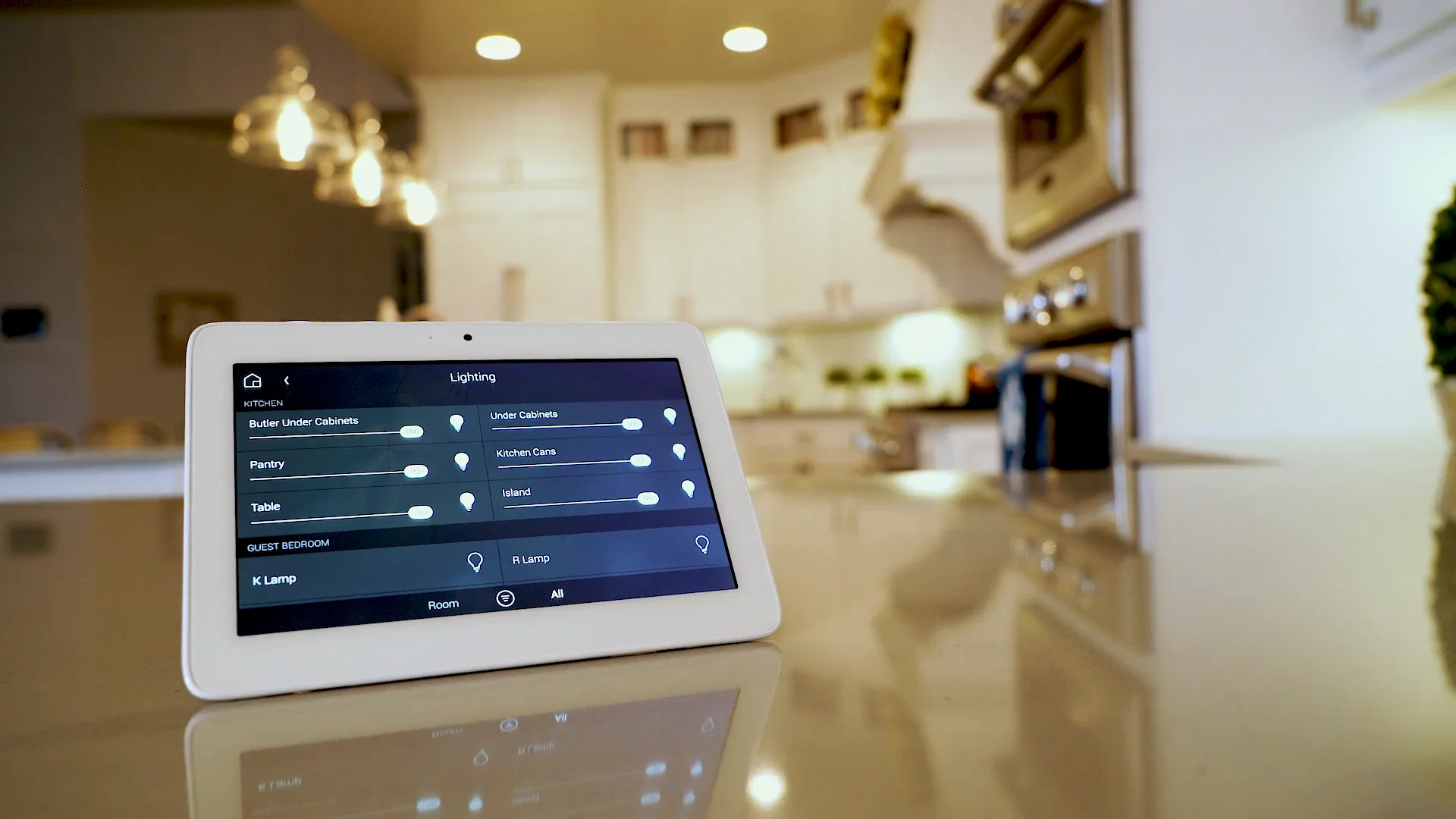
Discover why smart lighting is the best first smart home upgrade, offering improved convenience, energy savings, security, and everyday comfort.
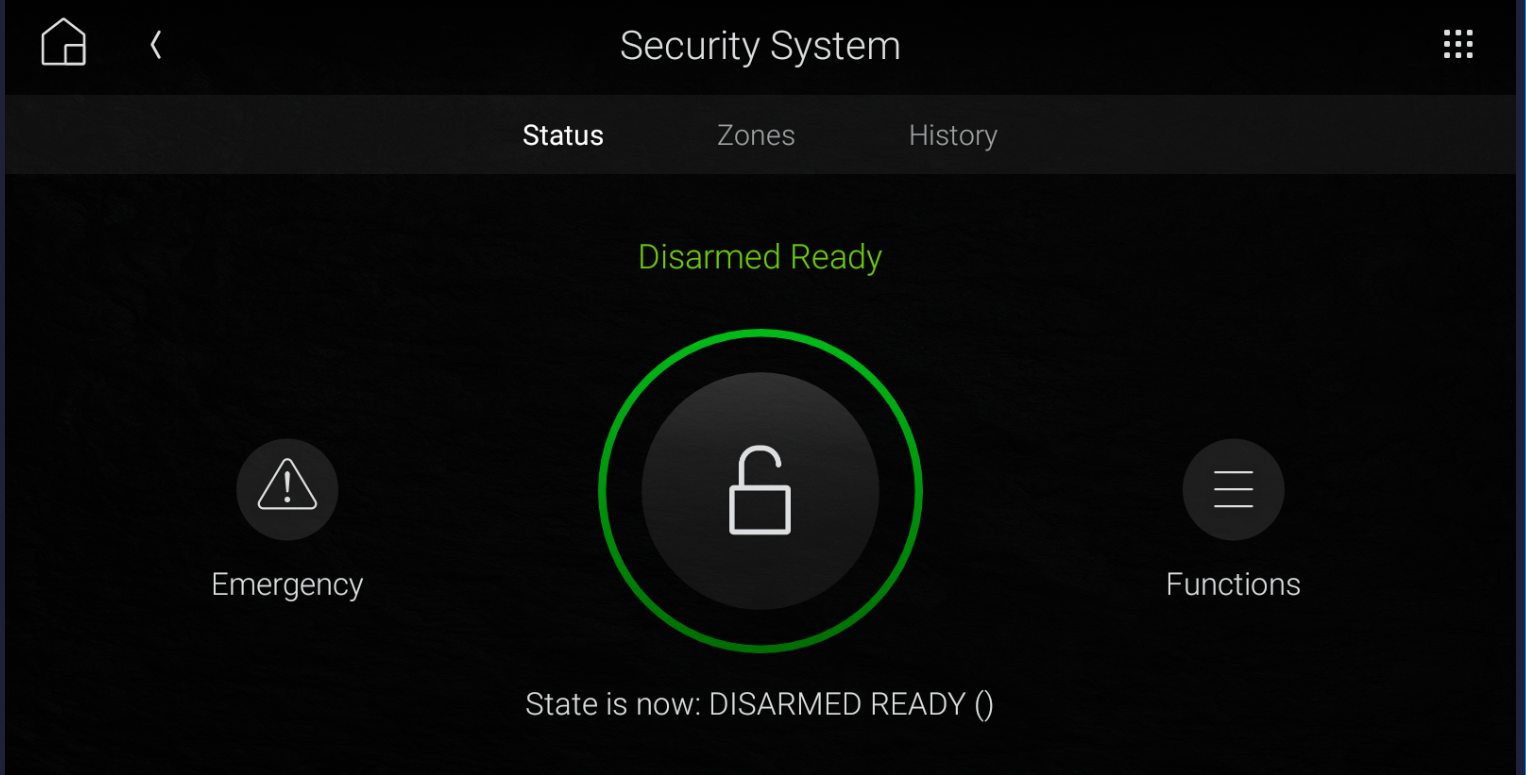
Learn how Control4 integrates smart home security systems, including cameras, alarms, smart locks, automation scenes, and centralized home monitoring.
How to manually use the Control4 8-Channel Dimmer Module
How to manually use the Control4 8-Channel Relay Module
How to fix issue with Roku Stick control when updated.

Explaining the different options for cameras on the Luma View App
Explaining the different home screen options on the Luma View App
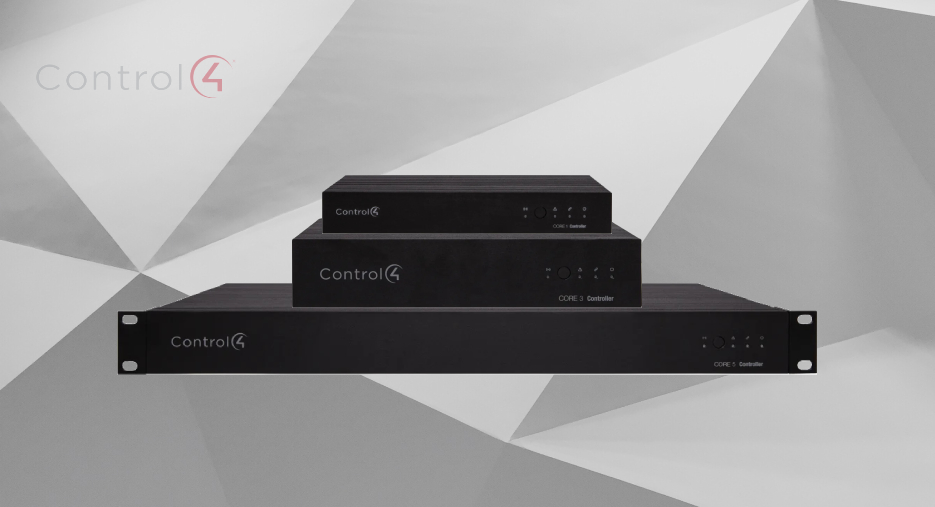
Learn which Control4 controller is best for your home, including the differences between Core 1, Core 3, and Core 5 for smart home automation, audio, lighting, and security.
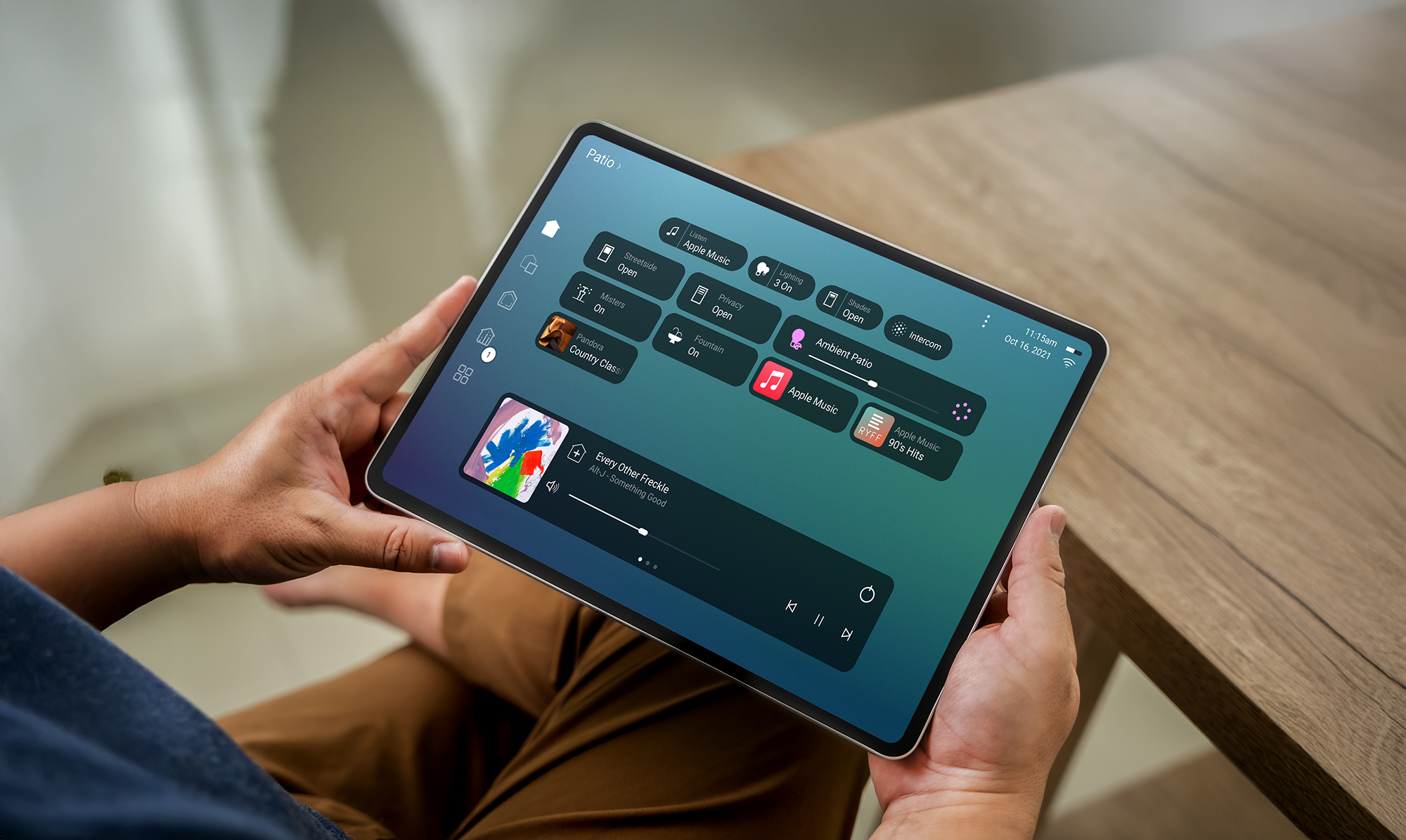
The Control4 T4 Touchscreen combines premium design, responsive controls, and seamless smart home access for lighting, music, security, and automation.
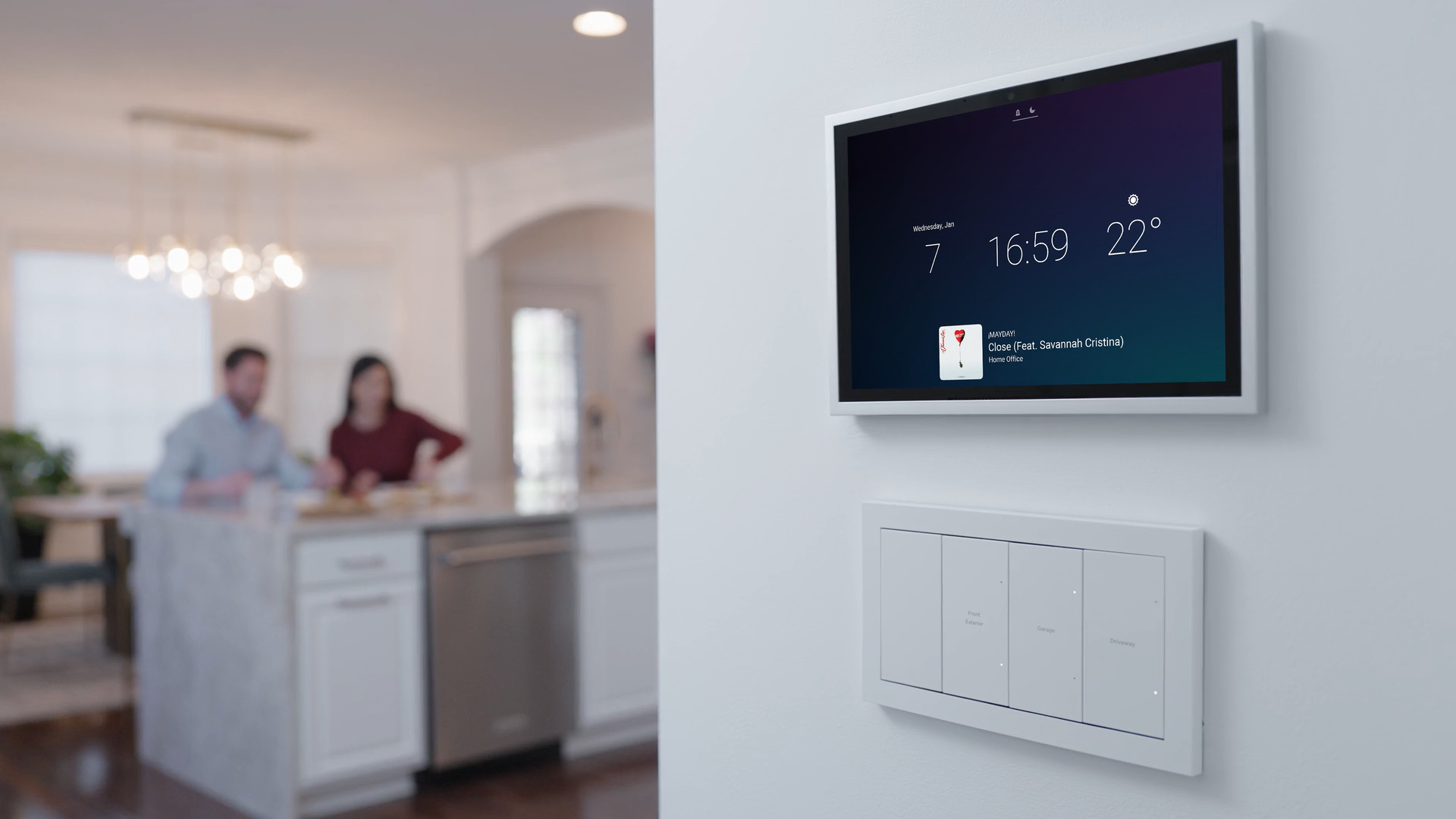
The Control4 T5 Touchscreen delivers faster performance, modern design, and improved smart home control for lighting, audio, security, and automation.
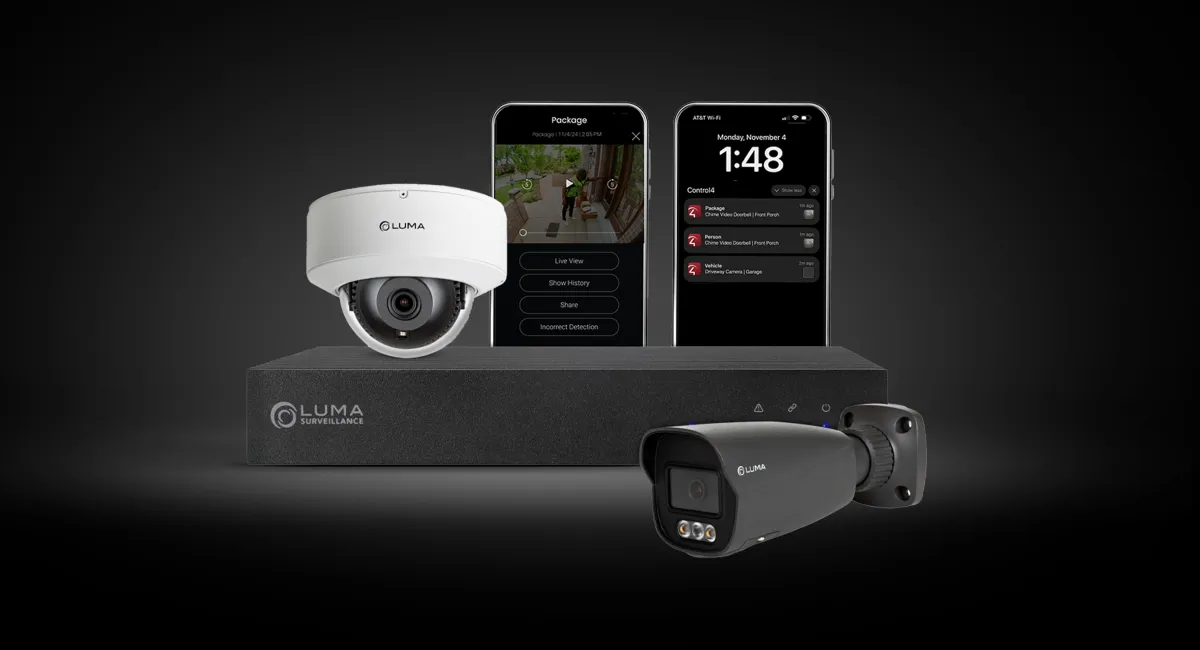
Discover why Luma Surveillance pairs so well with Control4, offering seamless smart home security integration, remote camera access, and professional-grade monitoring.

Planning a new install, upgrade, or just need some advice? We’re happy to help.