.png)
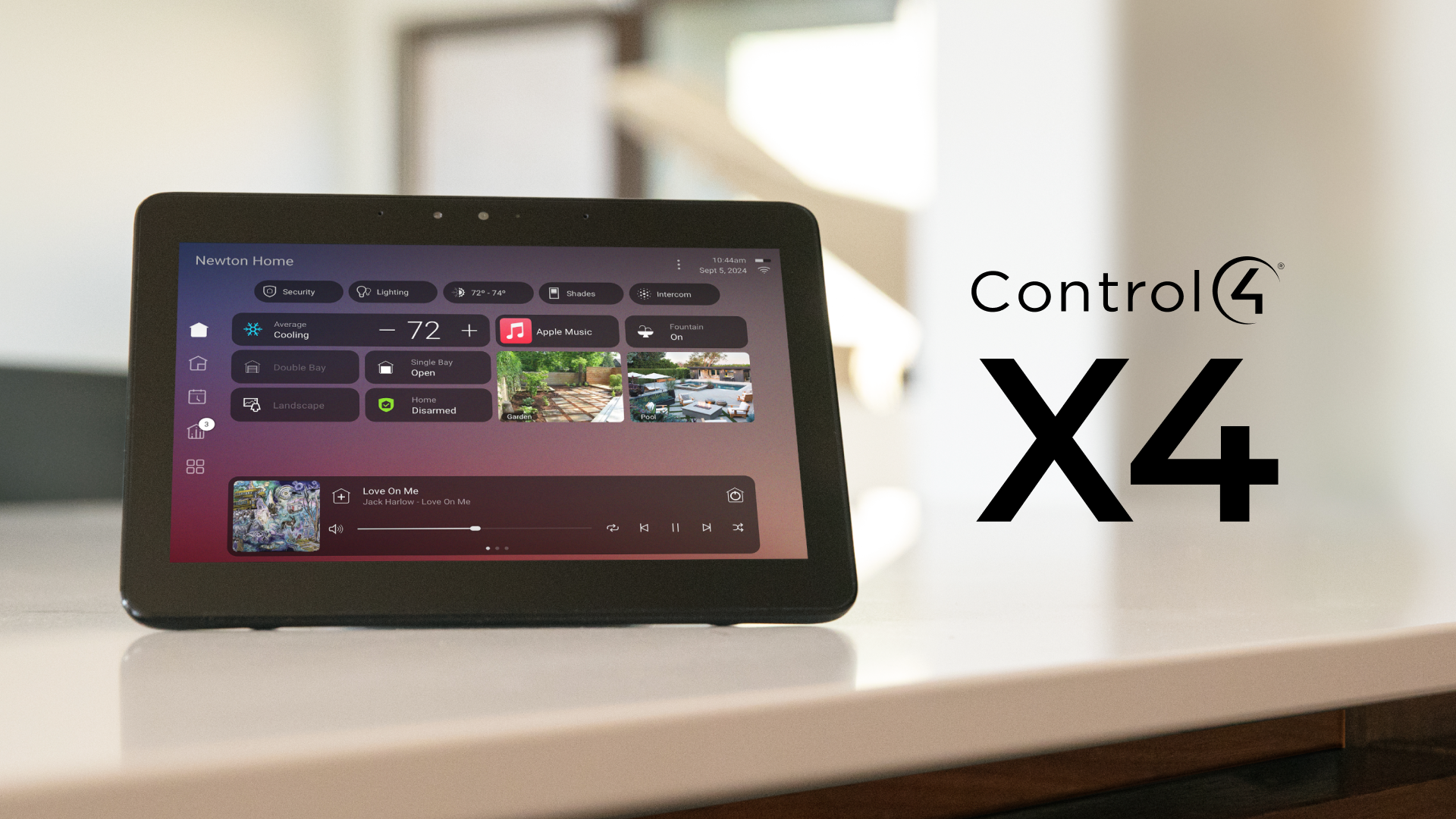
What Is Control4 X4?
Control4 X4 is the latest evolution of the Control4 smart home platform, introducing:
- a redesigned interface
- faster navigation
- improved personalization
- enhanced mobile controls
- upgraded security and performance
Before updating, homeowners should understand compatibility, preparation steps, and potential upgrade requirements.
What Changes with X4?
The X4 platform modernizes the Control4 experience with:
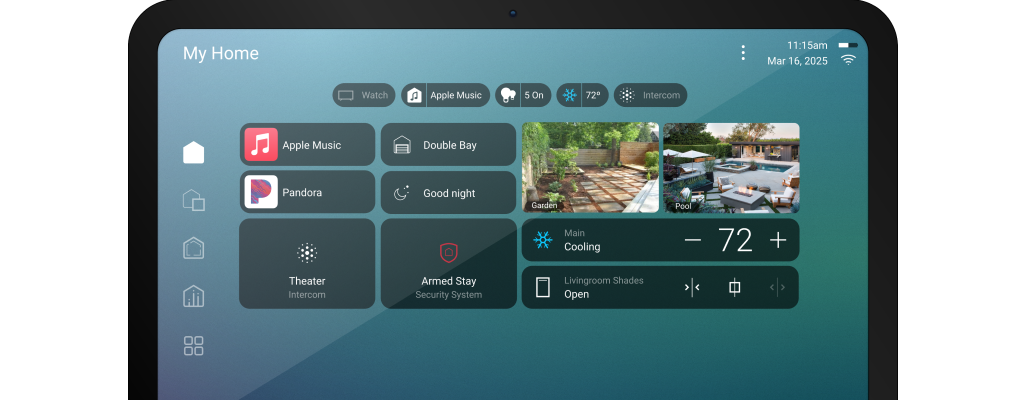
- updated app design
- customizable dashboards
- faster room switching
- improved favorites
- modern typography and UI
- enhanced voice assistant integration
The experience feels much more contemporary compared to older OS3 systems.
Before You Update
1. Check Hardware Compatibility
Some older controllers and touchscreens may not fully support X4 features.
Your installer should confirm compatibility for:
- controllers
- remotes
- touchscreens
- lighting processors
- network hardware
2. Backup Your System
Always ensure your Control4 dealer creates a full project backup before updating.
This protects:
- automation scenes
- custom programming
- lighting configurations
- AV routing
- user profiles
3. Update Your Network
Many smart home problems blamed on Control4 are actually caused by outdated networking equipment.
Before upgrading:
- update routers
- check Wi-Fi coverage
- reboot switches
- verify IP reservations
Common Upgrade Benefits
Faster App Experience
X4 delivers quicker loading times and smoother transitions.
Better Mobile Control
The mobile app now behaves more consistently across phones and tablets.
Cleaner User Interface
The updated visual design feels far more modern and easier to navigate.
Improved Personalization
Favorites and room layouts are easier to customize.
Potential Upgrade Issues
Some homeowners may experience:
- older device incompatibility
- custom driver issues
- temporary automation failures
- network discovery problems
This is why professional upgrade planning is important.
Should You Upgrade Immediately?
If your current system is stable and mission-critical, some homeowners prefer waiting until:
- all drivers are confirmed compatible
- dealers finish testing integrations
- older hardware is replaced
However, most actively maintained systems benefit from upgrading.
Best Practice Recommendation
The safest upgrade path includes:
- full system audit
- backup creation
- compatibility review
- staged testing
- final deployment
This minimizes downtime and protects automation reliability.
.png)