.png)
🎯 Why Upgrade?
Modernise your smart home with a fresher, faster, more capable system.
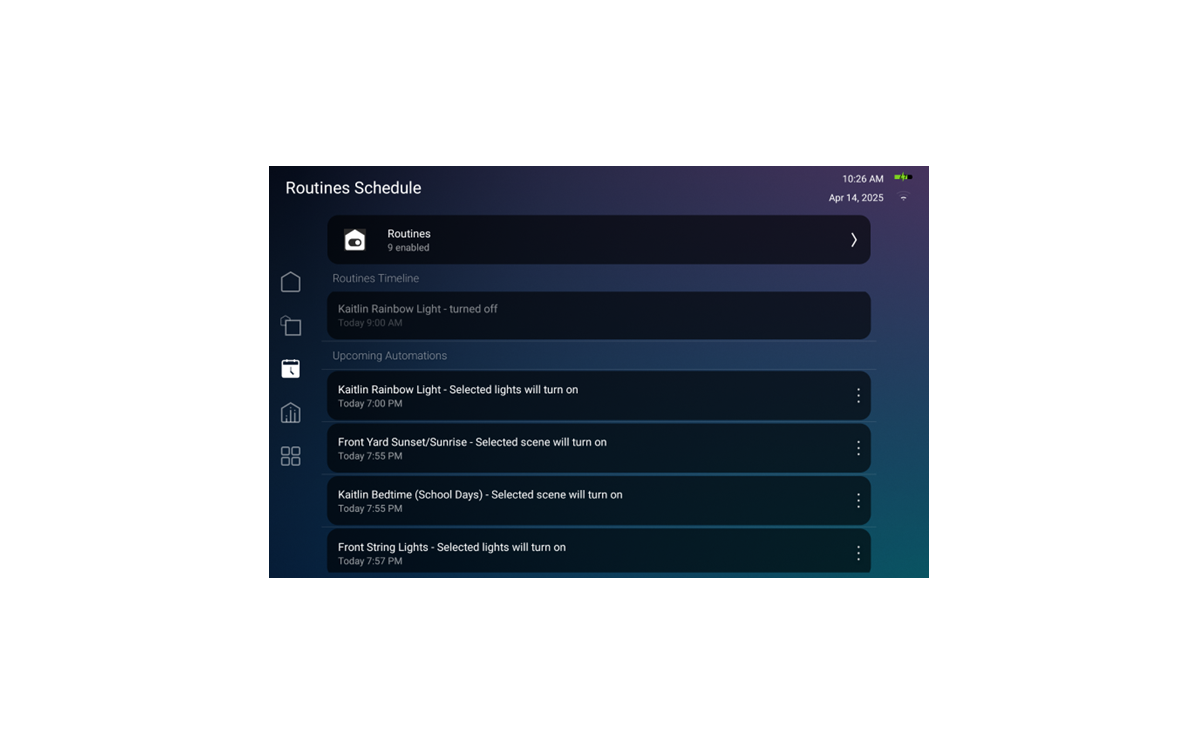
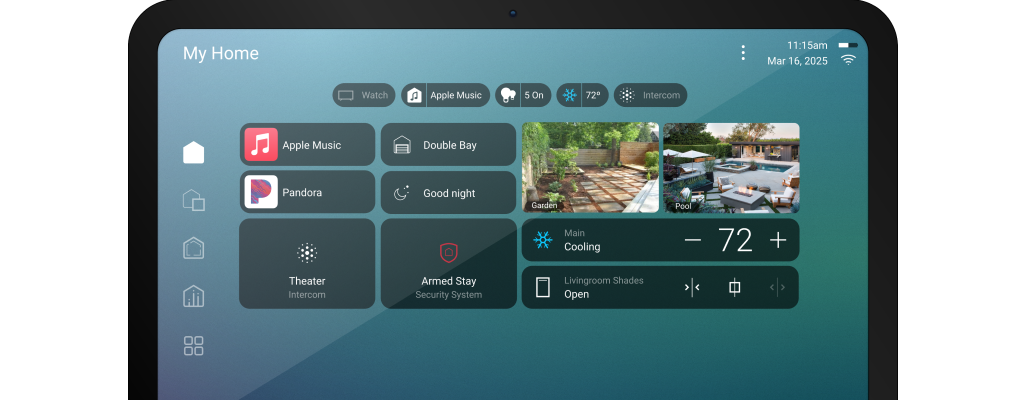
🖥 Modern interface — Clean tile‑based home screen
⚡ Improved performance — Faster, smoother control
🤖 Smarter automation — Easier routines and customisation
📱 Enhanced mobile app — Personalised dashboard & notifications
🎙 Better voice control — Alexa, Google Assistant, Siri
📊 What’s New in OS4
Home Screen
- OS3: Classic list view
- X4: Tile-based, customisable
Mobile App
- OS3: Basic
- X4: Customisable w/ push notifications
Automation
- OS3: Standard
- X4: Easier routines & more triggers
Voice Control
- OS3: Basic
- X4: Expanded voice options
Updates & Security
- OS3: Limited
- X4: Ongoing via Connect subscription
⚠️ Important Hardware Changes
📱 Touchscreen Upgrade
- T3 Touchscreens will no longer be fully supported with future OS4 updates.
- Recommendation: Replace T3 with Control4 T4 Touchscreens for full OS4 feature support.
🧠 Controller Upgrade
- EA Series controllers may support OS4 but will not deliver full future UI/features long-term.
- Recommendation: Upgrade to a Control4 CORE controller (CORE 1 / CORE 3 / CORE 5).
🔌 Control4 Subscription – 4Sight → Connect
📌 What’s Changing
- Control4 Connect replaces 4Sight.
- Existing 4Sight subscriptions must be upgraded to Connect for OS4 features.
📍 What Connect Gives You
✔ Remote control via Control4 App
✔ Push notifications & system alerts
✔ Intercom Anywhere & mobile intercom
✔ Integration with Alexa, Google, Siri
✔ Future updates and evolving features
✔ Monthly system insights & guidance
📌 Things to Know Before You Upgrade
- Subscription shift: 4Sight → Connect is required for OS4 features.
- Permanent transition: Cannot revert to OS3/4Sight once upgraded.
- Programming may change: Some scenes or logic may need updating.
- Professional installation recommended for compatibility and smooth transition.
✨ Bottom Line
OS4 modernises your Control4 system with a refreshed interface, improved performance, smarter automation, and better mobile & voice control.
To get the full benefits, plan for hardware updates (T3 → T4 touchscreens, EA → CORE controllers) and upgrade your existing 4Sight subscription to Control4 Connect for ongoing remote features, updates, and support
.png)