Roku Stick Update
To resolve the issue:
- In the Roku player, go to Settings > System > Advanced System Settings.
- Select Control by mobile apps.
- Set to Enabled.
- Under Network Access, select Permissive.
.png)

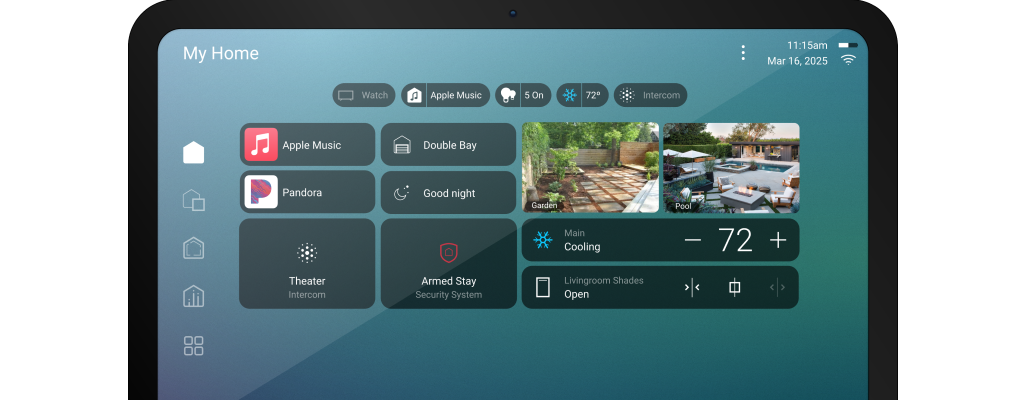
Find out what is required to upgrade to X4
.png)
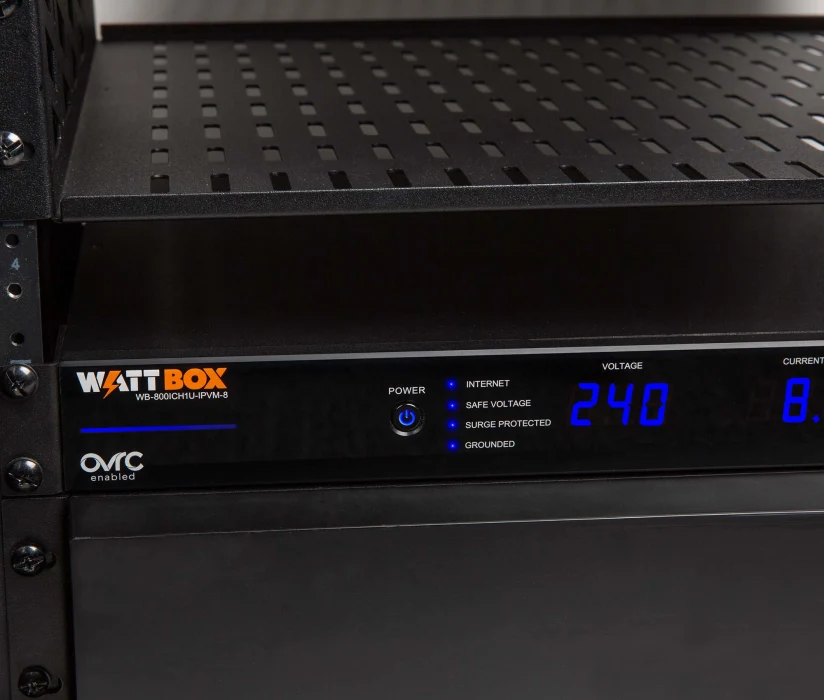
Guide to show you how to manually reboot devices on the Wattbox PDU

Planning a new install, upgrading an existing system, or need help getting things working as they should? We'll take a look and give you clear, honest advise on the best way forward.
No pressure, no jargon - just straightforward guidance and a system that works the way it should.