.png)
Home Screen
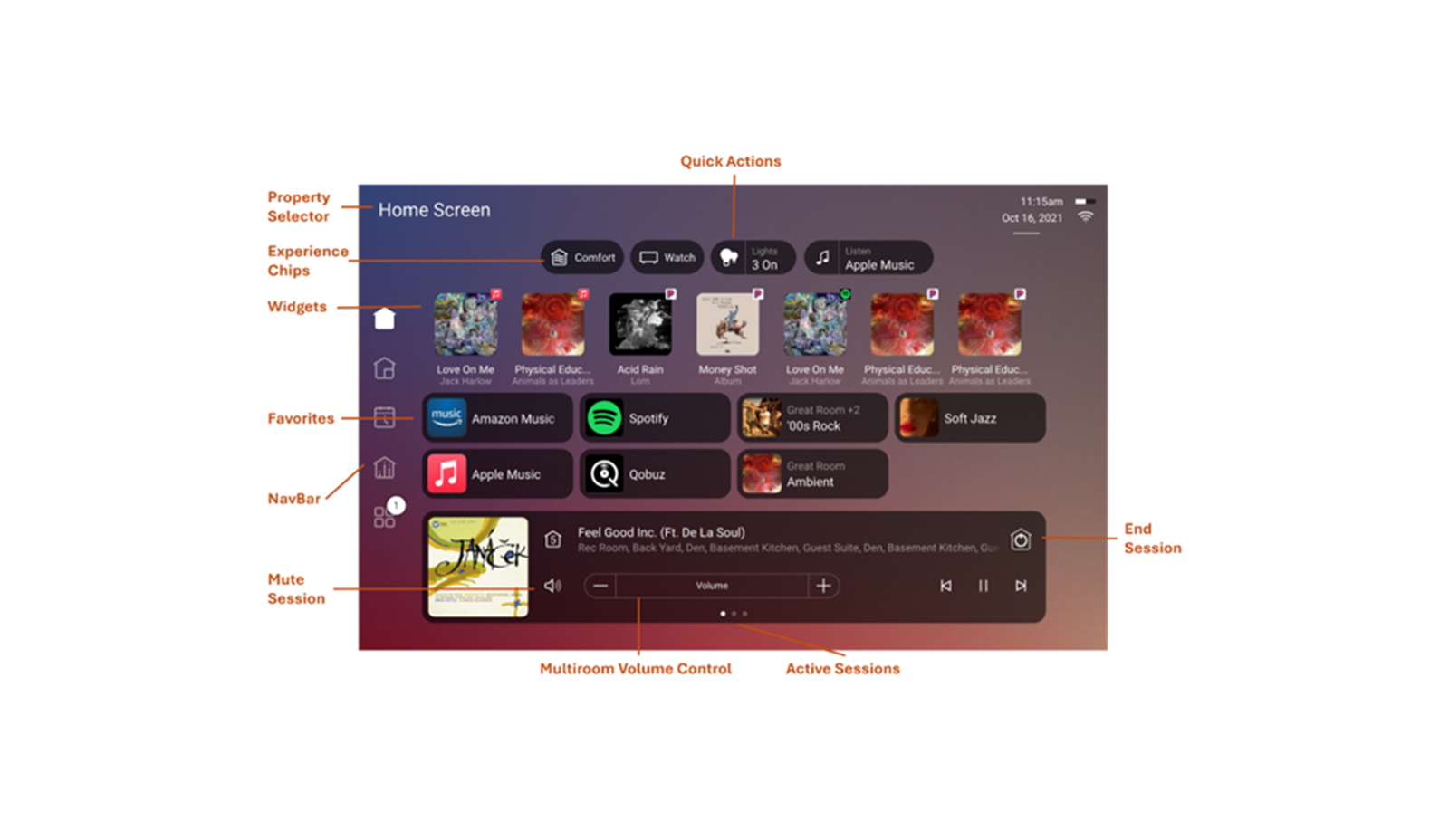
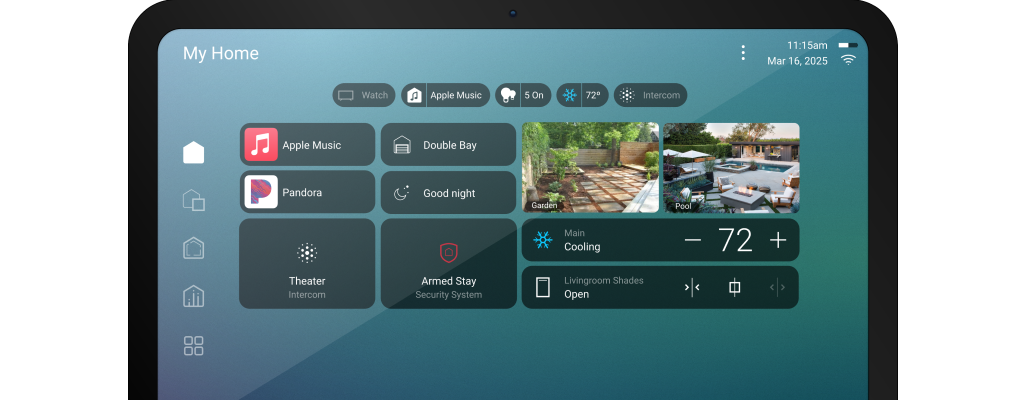
Home Screen provides a central hub for controlling and managing all your device configurations. With an intuitive interface, users will have quick access to frequently used controls, making it easier than ever to personalize their experience.
- Property Selector - Easily switch between properties by clicking the text in the top left corner.
- Experience Chips- Provide system-wide status at-a-glance, with the option for integrators to add quick actions for efficiency.
- Favourites - Favourites continue to work as in OS 3 where most anything can be a favourite, but now with the option to choose to favourite to the Home Screen or the room to tailor each screen to put focus on what matters most across the home.
- Widgets - Expand customization of favourites, bringing more control to the surface and reducing the need to navigate through multiple screens.
- Now Playing Mini Player - Enables quick control for all active media sessions directly from the home screen. Easily swipe between sessions for seamless media control.
.png)